Any TV, no box needed
1080p or 4K, portrait or landscape — if it has a browser (or a £30 stick), it's a menu board.

As you grow Included in every plan
Point any TV's browser at your board link and the menu behind the counter always matches the one online — change a price once, it changes everywhere. Sell out of something and it disappears from the wall.
Start your takeaway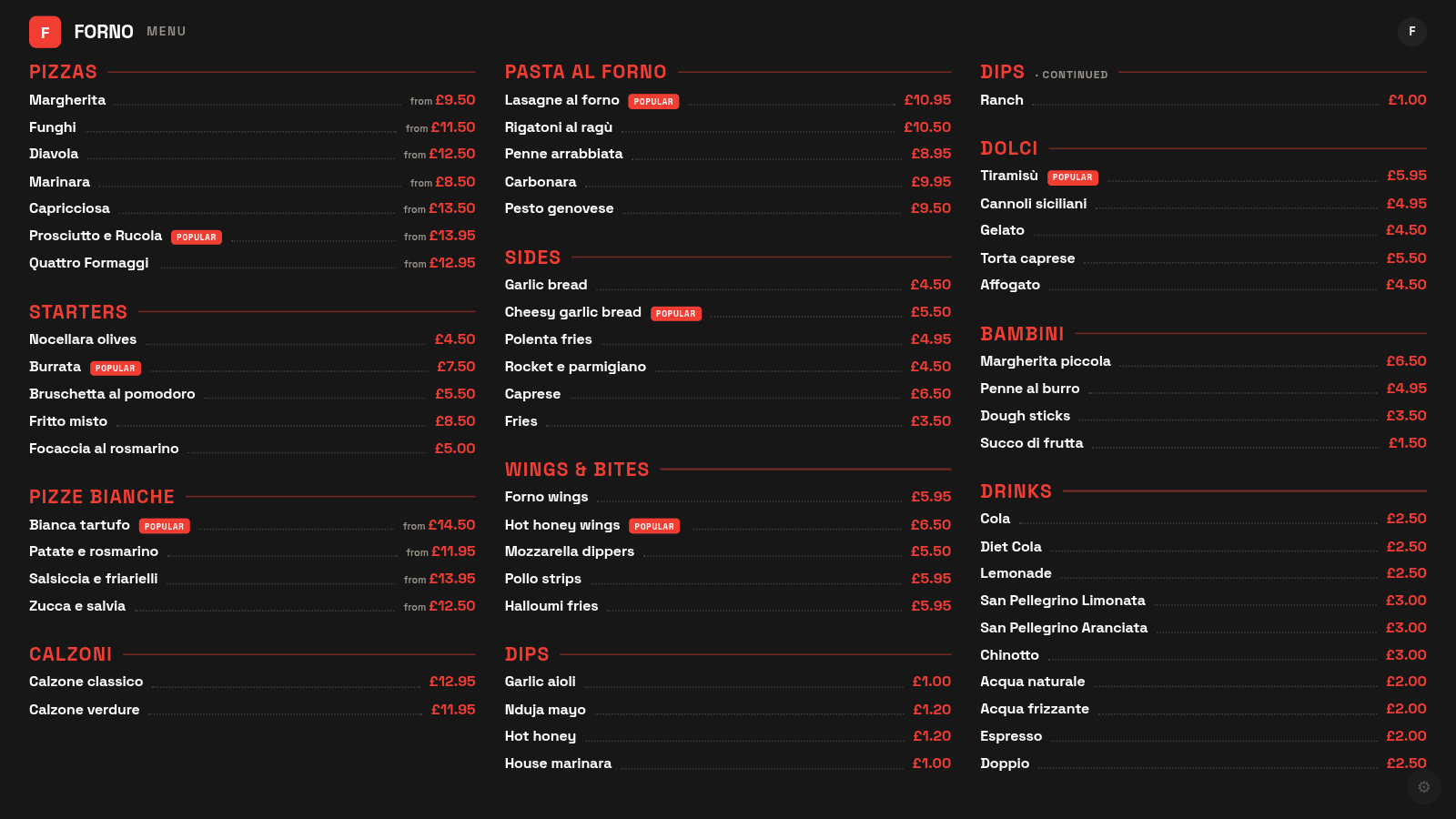
1080p or 4K, portrait or landscape — if it has a browser (or a £30 stick), it's a menu board.
Prices and dishes come straight from your live menu. No more Tuesday spent re-doing the wall after a reprint.
Multi-page menus rotate automatically, or pin one page per TV — three TVs, three pages, done.
When the chalkboard stops matching the website, or the printed boards are one price-change away from a reprint bill. Also the cheapest shop-refresh there is: matching boards make the counter look like a chain's.
Already included in your £10/month. Switch it on when the shop needs it.
Smart TV browser or any HDMI stick — log it in once.
Rotate the whole menu, or pin this TV to page two — dark or light.
It follows your live menu from then on. Edit online, the wall updates.
£10/month early-adopter rate · every tool included · cancel anytime