Live order flow
Every order and where it is — with the power to nudge, decline or refund from one place.

Day one Included in every plan
Live orders as they move through the kitchen, sold-out switches, prep-time controls and sales reports — the manager view is the one screen that sees everything.
Start your takeaway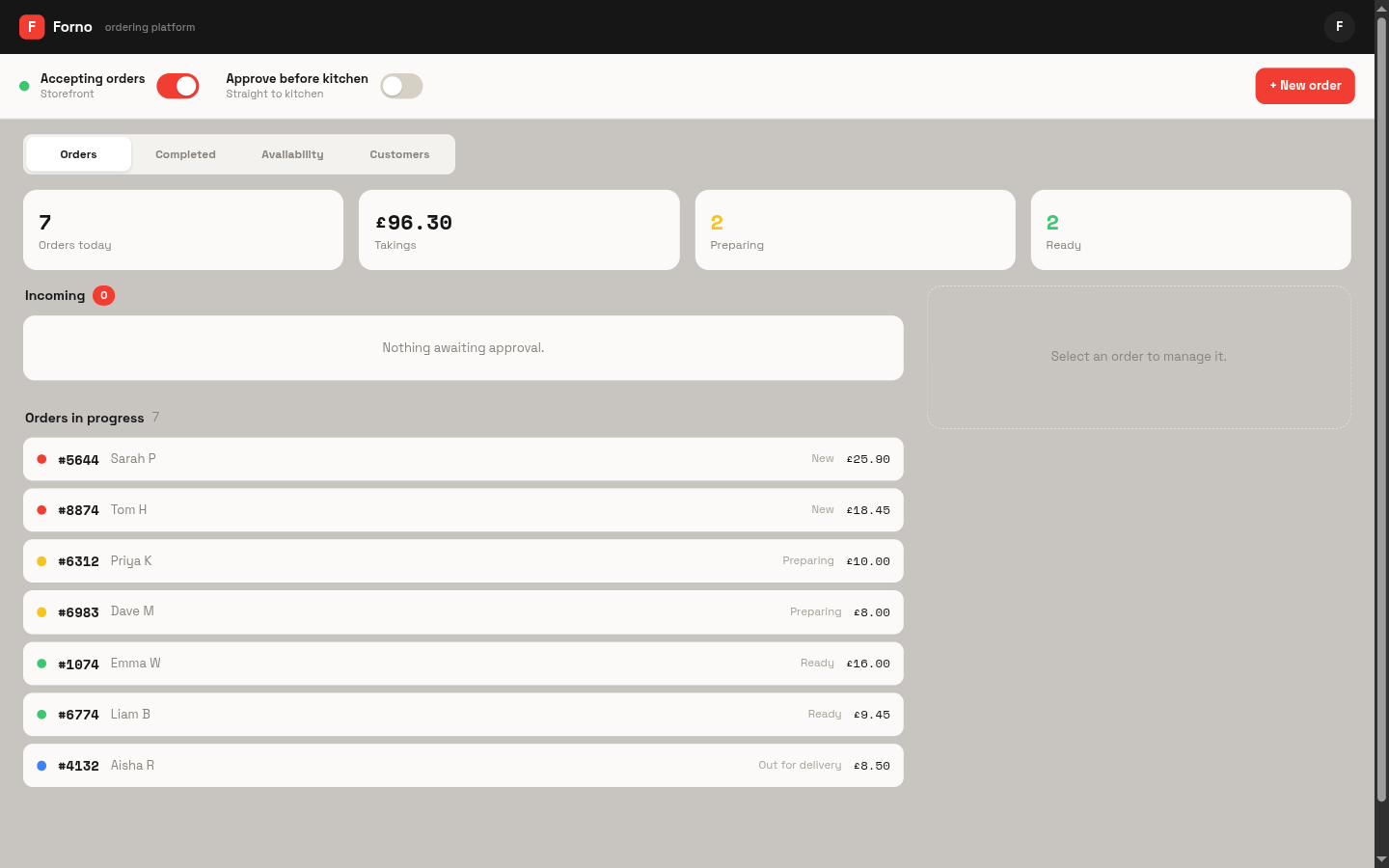
Every order and where it is — with the power to nudge, decline or refund from one place.
Sold out of donner meat? One switch takes it off the site, the kiosk and the boards at once.
What's selling, when you're busiest, what a Friday is really worth — by day, week or month.
From day one — this is the screen your one phone runs. The reports earn their keep a few weeks in, when “how did we do?” gets a number instead of a feeling.
Already included in your £10/month. Switch it on when the shop needs it.
On the shop phone or any computer — it's the default screen for owners.
Watch orders move, adjust prep times, pause ordering if the kitchen's drowning.
Sales, top dishes and busiest hours, whenever you want them.
£10/month early-adopter rate · every tool included · cancel anytime